Customize Indentation Guides in VS Code
12 November, 2024
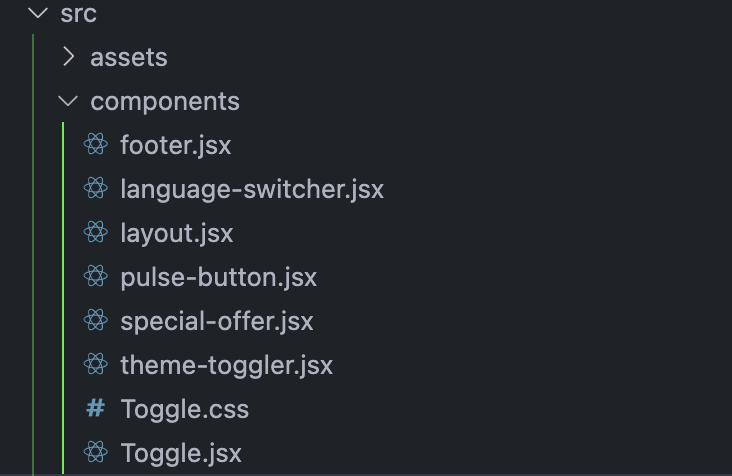
Setting up indentation guides in Visual Studio Code helps you see folder structure clearly, making it easier to find what you need without straining your eyes.
Steps to Configure Indentation Guides
- Open Settings JSON
Press Cmd + Shift + P (or Ctrl + Shift + P on Windows/Linux) to open the command palette, then type and select Preferences: Open Settings (JSON).
- Add Color Customization
In the settings.json file, add the following code to customize the color of the indentation guides:
"workbench.tree.renderIndentGuides": "always",
"workbench.colorCustomizations": {
   "tree.indentGuidesStroke": "#05ef3c"
},
- Adjust Indentation Width (Optional)
To change the width of indentation levels, add this line:
"workbench.tree.indent": 15, // Adjust as needed
- Save and Restart
Save settings.json, then restart VS Code to see your new indentation guides.
Thank You
Enjoy coding with a cleaner view!